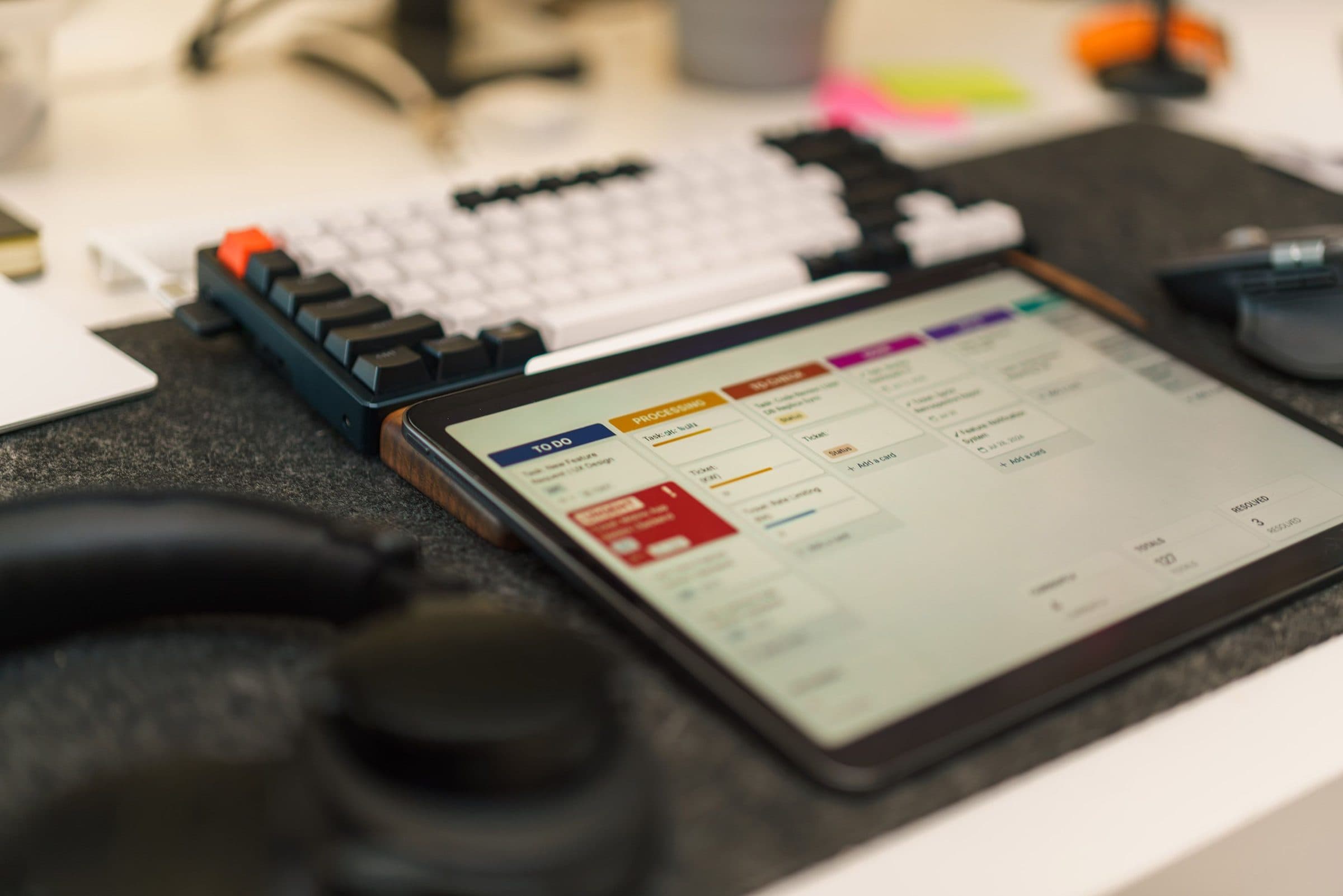
Restaurant Management System
Run the floor, the kitchen and the back office from one system
A point of sale and management system for restaurants, cafes and bars that follows every order from the table to the kitchen to the till, and shows what it cost you to serve it.
If you run a restaurant or a bar, you know how a day goes. You are managing staff, checking what has run out, calling suppliers, haggling over prices and still trying to greet your guests. It is easy to get so buried in the daily tasks that you lose sight of why you opened in the first place: to build a name people come back to, and to make money doing it.
A good system takes that weight off you. We connect your floor, kitchen, bar and accounts so an order is captured once and everything else follows: the kitchen ticket, the bill, the stock used and the day's takings. You get your attention back for the food, the guests and the growth.
It suits restaurants, cafes, bars, fast food outlets and hotels with a kitchen, whether you run one counter or several branches.
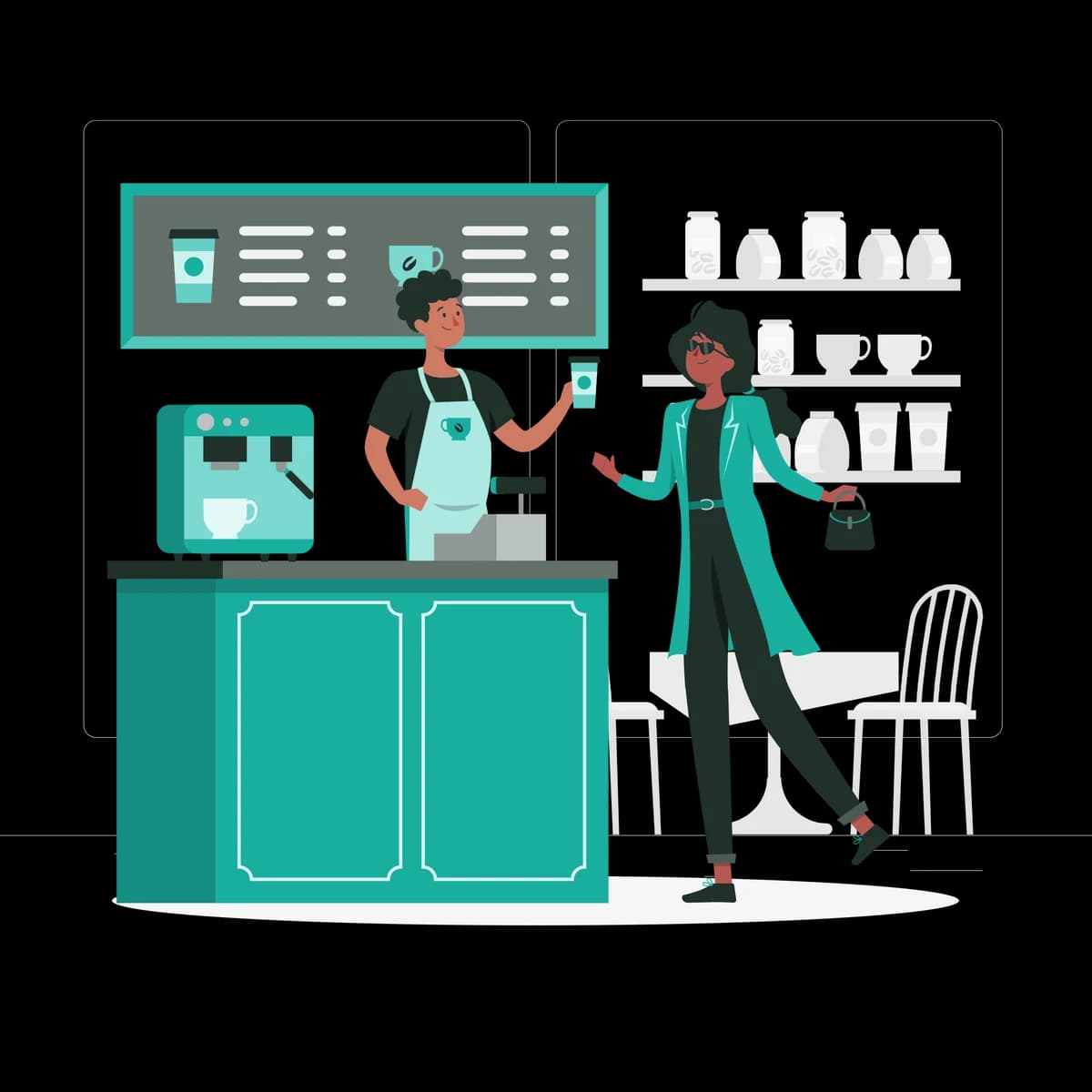
Everything it covers
One system in place of the notebooks, spreadsheets and separate tools.
- Touchscreen point of sale
- Table, takeaway and delivery orders
- Kitchen and bar order tickets
- Split bills and mixed payments
- M-Pesa, card and cash at the till
- Menus, prices and offers in one place
- Recipes and ingredient-level stock
- Automatic stock deduction on every sale
- Supplier orders and deliveries
- Waiter and cashier accounts
- Shift opening and closing
- Sales, expenses and accounts
- Multiple outlets on one system
- Real-time reports
Take orders quickly and get them right
A simple touchscreen makes placing an order fast, even for new staff on a busy night. Each item goes straight to where it is prepared, so nobody has to walk a docket to the kitchen.
On the floor your team can:
- See which tables are open, occupied or waiting for the bill
- Take dine-in, takeaway, pickup and delivery orders on one screen
- Add notes for allergies, special requests and complimentary items
- Move, merge and split tables in the middle of service
- Find frequently sold items in a tap
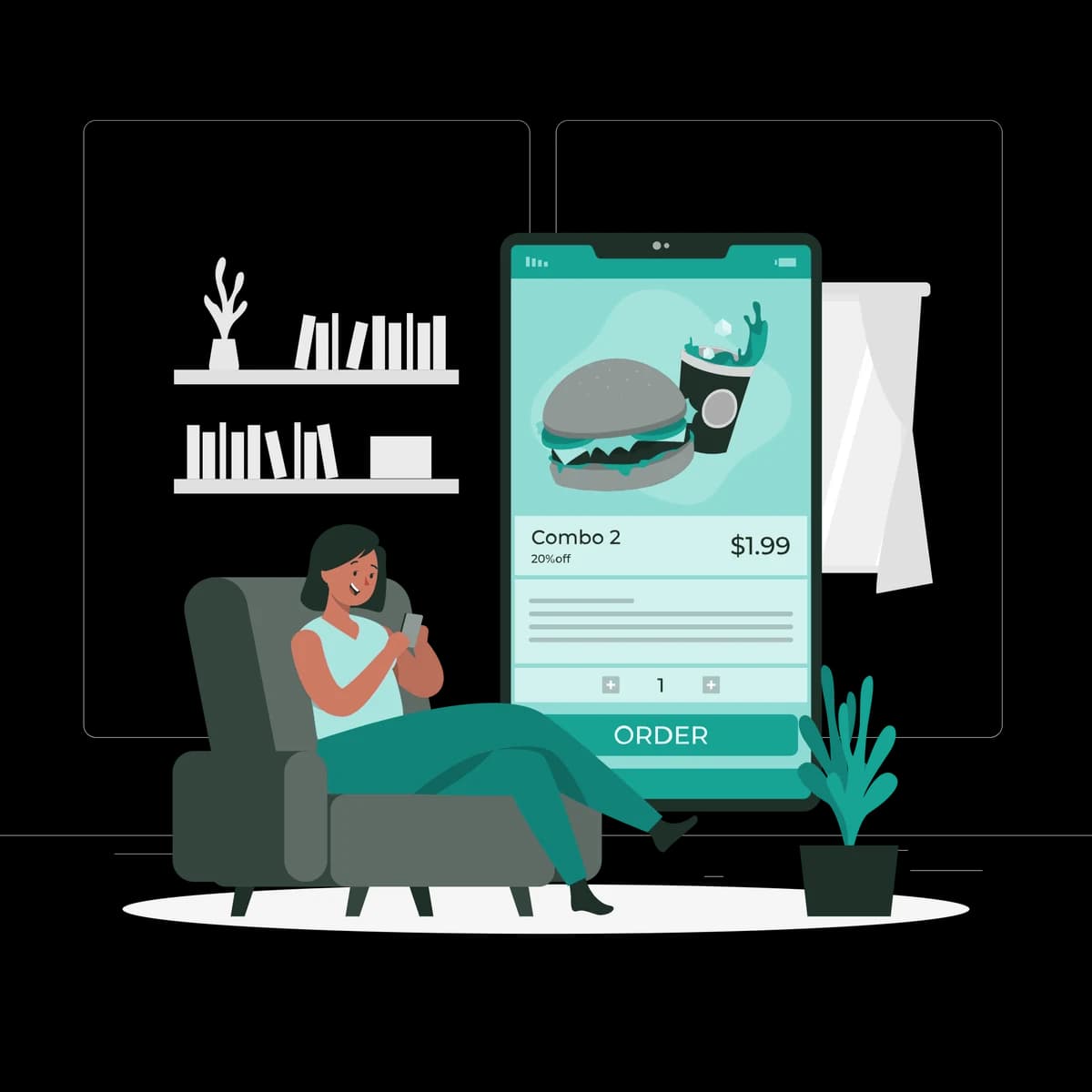
Run a calmer, faster kitchen
The kitchen and the floor work from the same order, so there is less shouting across the pass and fewer plates sent back.
In the kitchen and bar you get:
- Orders sent to the right station: kitchen, grill or bar
- Special requests and comments shown clearly on each ticket
- A warning when an order has been waiting too long
- Recipes kept in one place, so every plate is made the same way
- Less waste, because portions follow the recipe
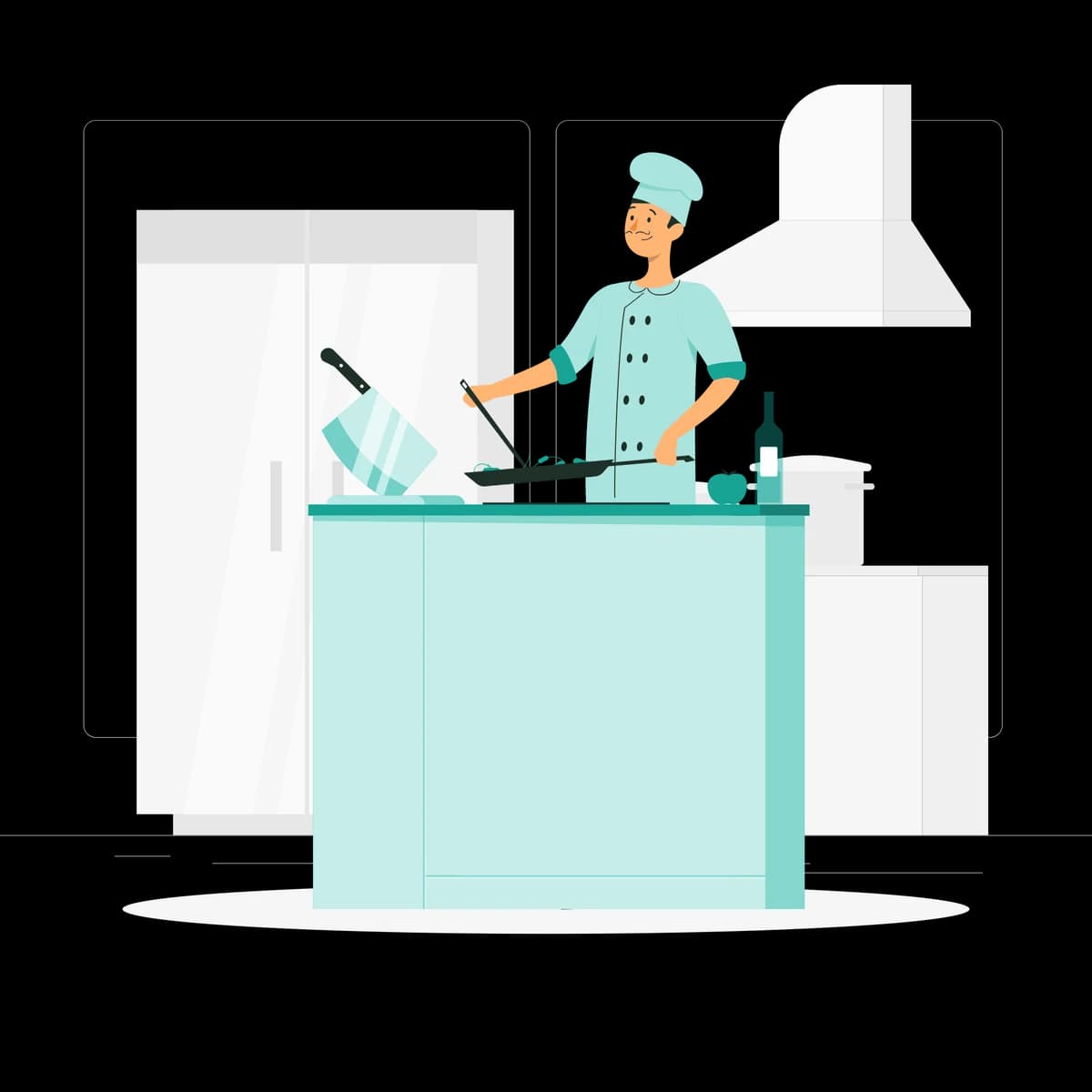
Bill in seconds and take any payment
The bill is built from the order, so nothing is forgotten and nothing is keyed in twice. Guests pay the way they prefer and leave happy.
At the till you can:
- Print or send a bill in one tap
- Split a bill by guest or by item
- Accept M-Pesa, card, cash or a mix of them
- Apply offers and discounts, with a supervisor's approval where needed
- Close each cashier's shift with a clear cash-up
Let the stock count itself
Forget the stock spreadsheet. Every menu item is linked to its ingredients, so selling an omelette takes three eggs off the shelf without anyone writing it down.
From the store you can:
- Track ingredients in real time as dishes are sold
- Get an alert before an ingredient runs out
- Raise supplier orders and receive deliveries against them
- Check goods in and out, so stock is safe from the door to the shelf
- Record wastage and spoilage
- See how many portions of each recipe were made
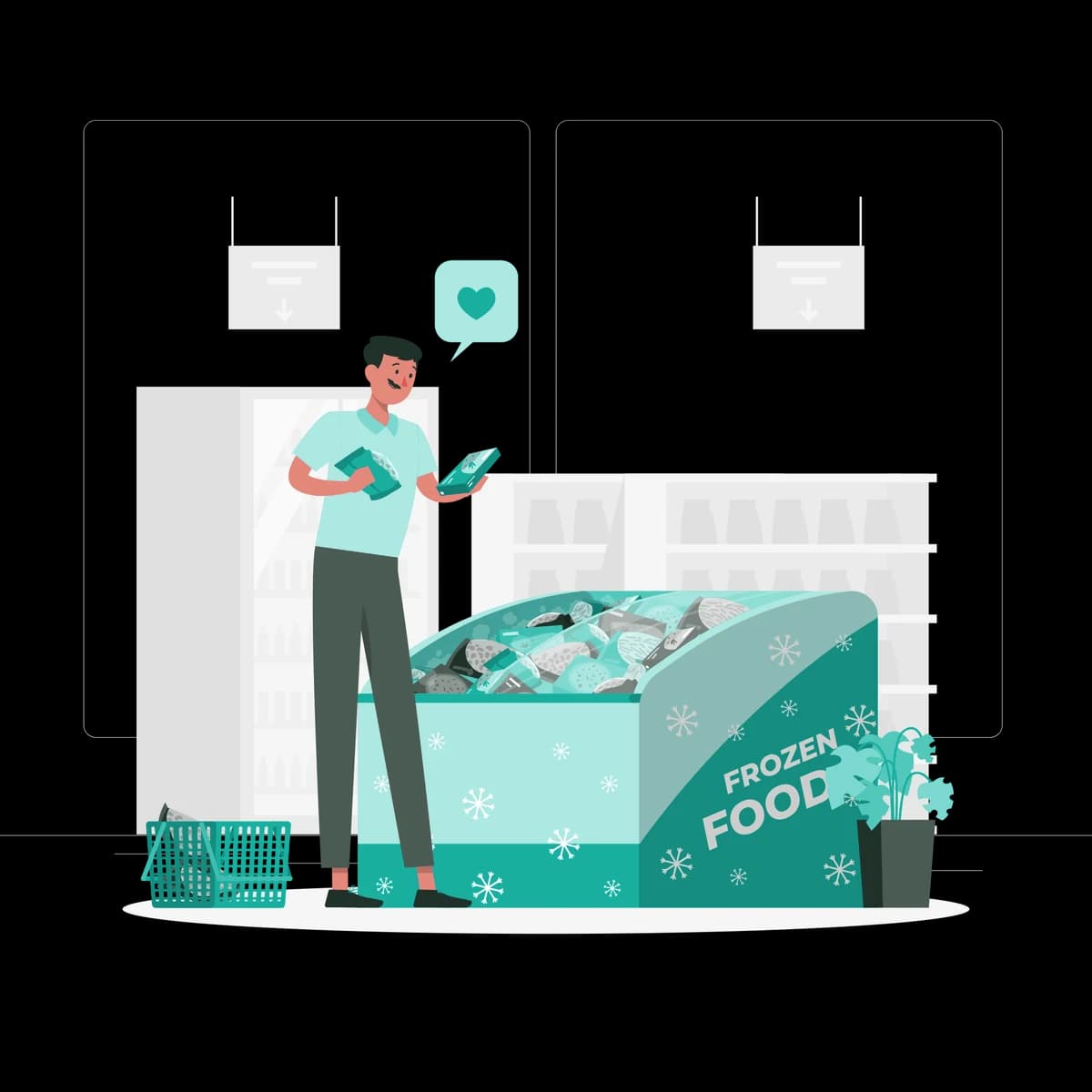
Control the whole business from one place
Prices, menus and offers are managed centrally, so a change made in the office shows on every till at once.
From the back office you can:
- Update menus, prices and recipes for one outlet or all of them
- Run offers and promotions for a set period
- Manage waiter, cashier and manager accounts and what each can do
- Follow online orders, pickups and deliveries alongside dine-in
- Compare outlets side by side

Keep a close eye on the numbers that matter
A full restaurant is not always a profitable one. See what each dish really earns you once ingredients are counted.
You will always know:
- Profit per dish, based on what goes into it
- Your best sellers, so their ingredients never run short
- Sales by waiter, outlet, day and hour
- How each department is doing: kitchen, bar and counter
- Revenue against costs as the day unfolds

Accounts that keep up with service
Sales, purchases and expenses flow into the accounts as they happen, so the books are not a month behind the business.
On the accounts side you can:
- Record daily expenses and petty cash
- Track what you owe each supplier
- Reconcile cash, M-Pesa and card takings
- See profit and loss for any period

Built for everyone involved
Each person gets what they need from the same system, without waiting on someone else for it.
- Owners and managers
- Live sales, costs and margins for every outlet, on any device, without waiting for the end of the month.
- Waiters and cashiers
- A fast, simple screen for orders and bills, and a shift that closes cleanly.
- Chefs and bar staff
- Clear tickets in the order they came in, with every request attached and recipes to hand.
- Storekeepers and accounts
- Stock that updates itself, supplier balances that are current and far less counting.
Set up to fit the way you work
No two kitchens run the same way. These are set up to match yours, and can change as your menu and team do.
Settings
- Menu categories and items
- Recipes and portion sizes
- Preparation stations
- Floor plan and tables
- Prices, offers and happy hours
- Payment methods
- Staff roles and permissions
- Outlets and stores
Reports that show how things are going
Ready when you need them, for a day, a month or a year.
Daily and shift sales
Best and worst selling items
Profit and food cost per dish
Stock movement and wastage
Sales by waiter and outlet
Payments by method
Supplier purchases and balances
Profit and loss
Tailored to the way you run things
No two businesses work the same way. We set the system up around your process, bring your existing records across and train your team on it.
Get a quoteRelated reading
Choosing a Restaurant POS System in Kenya: What to Look For
A point of sale system should do far more than print receipts. A practical guide for restaurant, cafe and bar owners on what matters, what does not and what to ask before you buy.
Aug 4, 2026 · 4 min read

eTIMS Is Here for Every Business. Is Your System Ready?
Electronic tax invoicing through KRA's eTIMS now applies to businesses of every size in Kenya. Here is what it means in practice and how to make it part of how you already sell.
Sep 8, 2026 · 4 min read
M-Pesa Integration for Your Business: How It Works and Why It Matters
Your customers already pay by M-Pesa. The question is whether those payments reach your records by themselves or by someone reading out a code. A guide to what integration means and what it changes.
Jun 11, 2026 · 4 min read